
Creating a professional website no longer requires advanced coding skills. With modern page builders like Elementor and Divi, anyone—from beginners to experienced designers—can build stunning, responsive websites with ease. In this guide, I’ll walk you through simple methods to get your website up and running using these powerful tools.
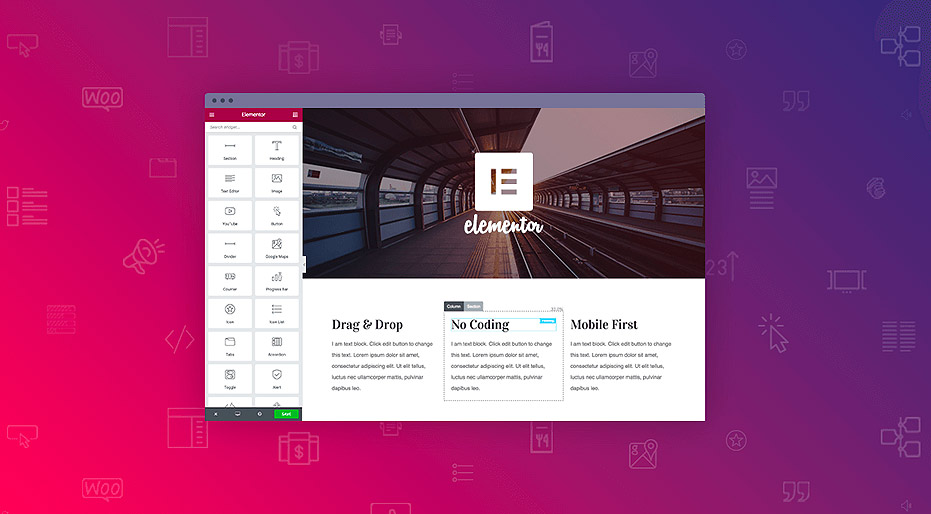
Why Choose a Page Builder?
Before diving in, it’s important to understand why page builders are so popular:
- No coding required – Drag-and-drop interfaces make design intuitive
- Real-time editing – See your changes instantly
- Pre-built templates – Save time with ready-made designs
- Customization freedom – Design exactly how you want
Both Elementor and Divi are excellent choices, but your preference will depend on your workflow and design needs.
Step 1: Install Elementor
- Log in to your WordPress dashboard
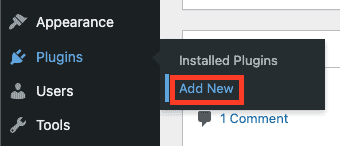
- Go to Plugins → Add New
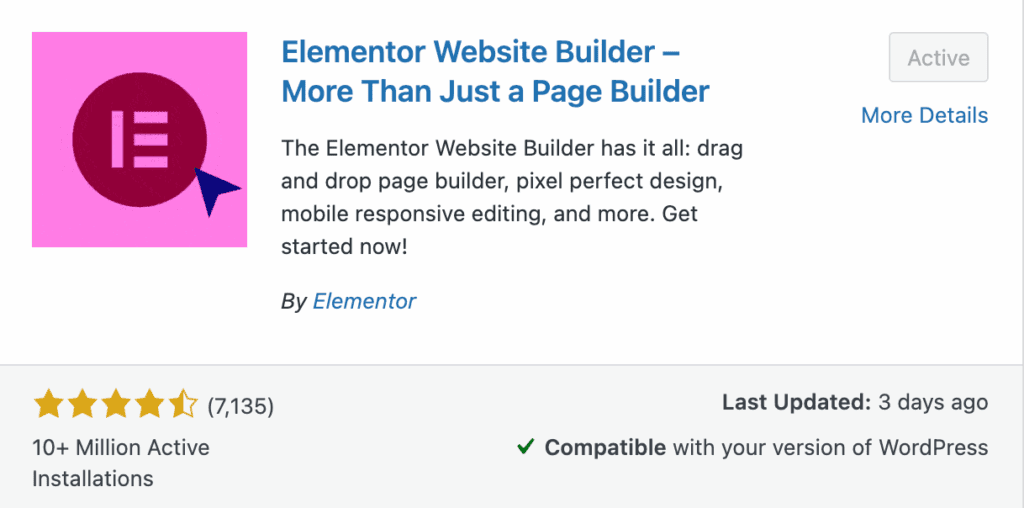
- Search for “Elementor” and install it
- Activate the plugin
Step 2: Choose a Template
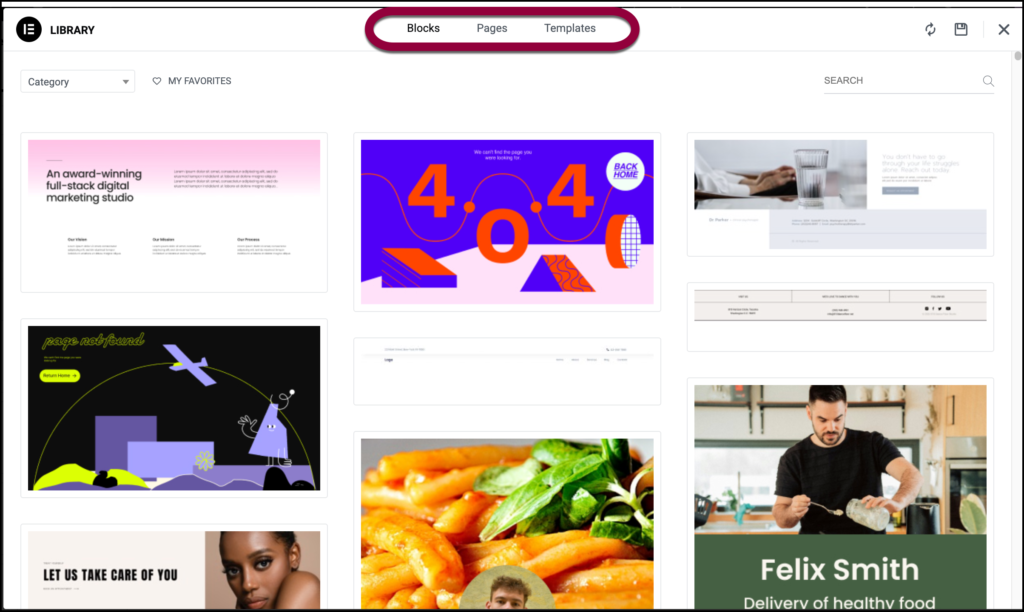
Elementor offers a variety of pre-designed templates:
- Go to Pages → Add New
- Click “Edit with Elementor”
- Browse the template library and insert a design
Step 3: Customize Your Design
- Drag widgets (text, images, buttons) onto the page
- Adjust fonts, colors, and spacing
- Use sections and columns to structure your layout
Step 4: Make It Responsive
- Switch between desktop, tablet, and mobile views
- Adjust elements to ensure your site looks good on all devices
Step 5: Publish Your Website
- Click “Publish” when you’re satisfied
- Preview your site live
Method 2: Building a Website with Divi
Divi, by Elegant Themes, is another powerful builder with a slightly different approach.
Step 1: Install Divi Theme
- Upload the Divi theme to WordPress
- Activate it from Appearance → Themes
Step 2: Use Divi Builder
- Create a new page
- Click “Use Divi Builder”
- Choose “Build From Scratch” or select a pre-made layout
Step 3: Add Sections and Modules
Divi uses a structured layout system:
- Sections → Rows → Modules
- Add modules like text, images, sliders, and buttons
- Customize each element using the visual editor
Step 4: Style Your Website
- Use global settings for fonts and colors
- Apply animations and effects
- Save reusable layouts for future pages
Step 5: Save and Publish
- Click “Save” and exit the builder
- View your finished page live
Elementor vs Divi: Which One Should You Choose?
| Feature | Elementor | Divi |
|---|---|---|
| Ease of Use | Very beginner-friendly | Slight learning curve |
| Flexibility | Highly flexible | Powerful design system |
| Templates | Large free library | Premium layouts |
| Pricing | Free + Pro version | Paid theme membership |
Recommendation:
- Choose Elementor if you want a fast, simple start
- Choose Divi if you prefer an all-in-one design framework
Tips for Building a Great Website
- Keep your design clean and simple
- Use consistent fonts and colors
- Optimize images for faster loading
- Make navigation easy for users
- Always test on mobile devices
Final Thoughts
Building a website today is easier than ever thanks to tools like Elementor and Divi. Whether you’re creating a portfolio, blog, or business site, these builders allow you to focus on design and user experience rather than technical complexity.
Start simple, experiment with layouts, and refine your design over time. With practice, you’ll be able to create professional-quality websites that truly stand out.