
By Shalid K · Reviewed 28 October 2026
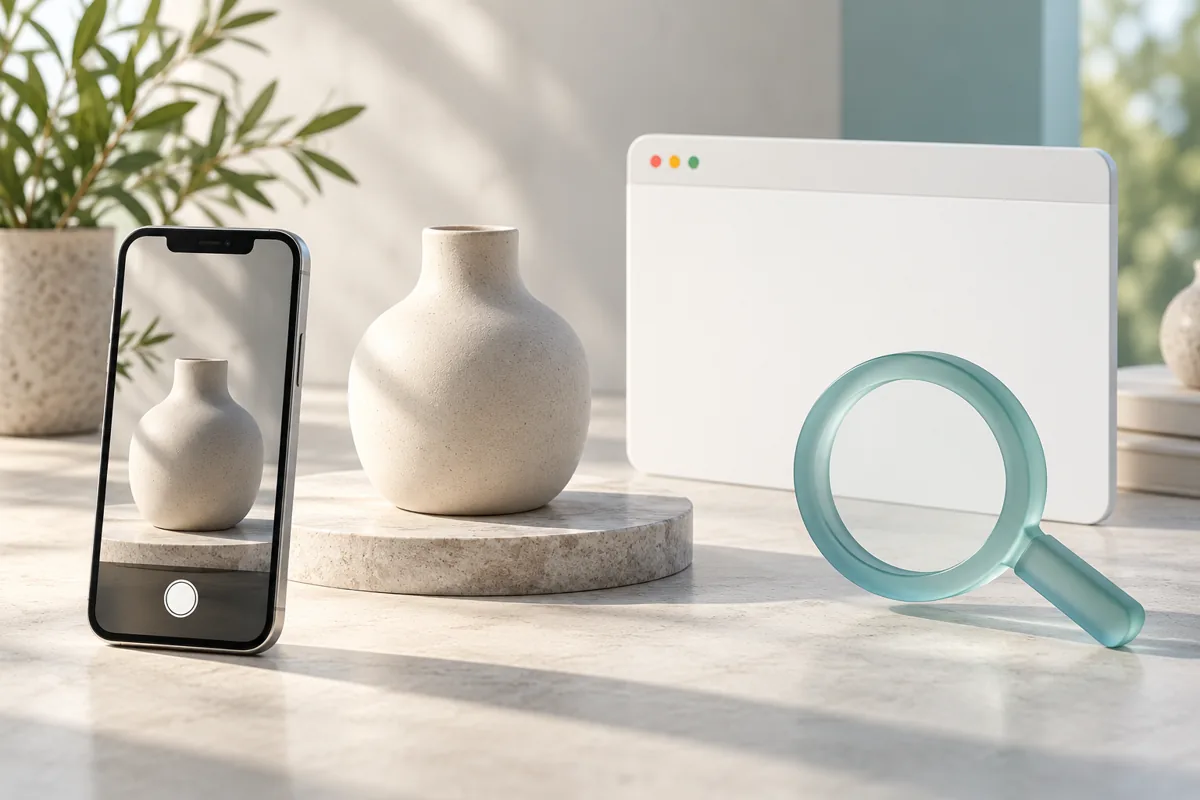
A customer takes a photo of a product they like and searches for something similar. If your website appears during that search, how would you know? A Search Console reporting update gives website owners another way to investigate visual discovery.
What is multimodal search reporting?
Google announced on 24 September 2026 that Search Console was adding a multimodal search-type filter to its Search results and Generative AI performance reports. It covers searches that use images, including Google Lens, Circle to Search, image uploads and Chrome’s “Search this image” feature.
Google said the rollout was starting globally and that sites would see metrics if they receive relevant traffic. Availability and data for an individual property may vary.
Why should a Dubai business care?
People do not always begin with a neatly worded search. A shopper might photograph a lamp, a restaurant visitor might search a dish, or a property owner might look for a similar tile finish. Each is a hypothetical way visual discovery could become relevant to a business.
The useful question is not “How do I force my image into every answer?” It is “Can a visitor who finds this page recognise the product or service and take the next step?” A photograph needs a useful page behind it.
How to review the report
- Open your verified property in Google Search Console and go to a performance report.
- Look for the search-type filter and select multimodal if it is available for your property.
- Choose a meaningful date range and review the pages receiving impressions and clicks.
- Compare changes across similar periods, keeping country and device filters consistent when they are relevant to your business.
- Export the report if you want to review it alongside your own page inventory.
If the filter or data is not visible, avoid assuming the website is broken. Check Google’s rollout information, the selected property and date range first. Small numbers also need care: one click can produce a large-looking percentage change.
What the numbers can and cannot tell you
Impressions and clicks describe search visibility and visits from search results. They do not by themselves establish how much revenue came from an image, or why a customer chose your business.
Google Analytics measures activity after people reach the site using different definitions, so its sessions will not necessarily equal Search Console clicks. Where tracking is properly configured and consent requirements are met, look at relevant actions such as enquiries or purchases alongside search trends.
For a practical comparison, keep the same date range and geography. Write down which page you changed and what you changed before drawing conclusions from later data.
Turn a useful finding into a page improvement
Imagine a local home decor shop sees impressions for a product page but few clicks. First inspect the page itself: is the photograph clear, does the description name the product accurately, and can customers understand availability and delivery? Review the search context before changing the title or replacing imagery.
A page attracting visitors but few enquiries deserves a different check. Test the contact or purchase journey on mobile, clarify what happens after a request, and remove outdated details. A reporting filter is useful because it helps prioritise questions; it does not diagnose every cause.
Prepare images for discovery and usability
Use images you have permission to publish, and describe meaningful images accurately in alt text. Keep the surrounding text helpful and specific. Google can discover image URLs in standard image elements, while your page should still explain the product or work in readable text.
Resize and compress images with their intended display size in mind, then verify quality. WebP is one option; the format alone does not guarantee performance. For a practical workflow, read my WordPress image SEO guide.
If images or key resources fail to load, investigate the cause through a technical SEO audit. Avoid inserting invented client photos or fabricated performance numbers to make a page look persuasive.
What about AI-generated answers?
Google says the multimodal filter is available in its Generative AI performance reporting as well as the Search results report. Treat the data as a way to understand the reporting Google provides, not proof that a particular picture guarantees an AI citation.
My recommendation is to make your page useful in its own right: explain what is shown, answer relevant customer questions and keep product or service information current. These are sensible improvements regardless of how a visitor discovers the page.
Frequently asked questions
Is multimodal search the same as Google Images?
The announced filter concerns searches using image inputs across the experiences Google lists. Review each report’s definitions and filters before comparing its figures with another search type.
Does an impression mean someone visited my website?
No. A click is distinct from an impression. Use Search Console and your site analytics together to understand discovery and on-site actions.
Will every business see data?
Not necessarily. Google said metrics appear when a site receives traffic from relevant queries, and availability can depend on the rollout and selected report.
Does this replace normal SEO?
No. Keep working on crawlable pages, accurate information, relevant content and usable customer journeys while exploring the additional report.
Understand how customers find your pages
If you need an SEO Expert in Dubai, share the page and business goal you want to improve.
Official references
Sources checked on 28 October 2026. The reporting announcement was published on 24 September 2026; examples and suggested review steps above are hypothetical and practical recommendations.