
By Shalid K · Reviewed: 26 October 2026
You find two versions of a service page on your website. Should you add a canonical tag, select “noindex” in your SEO plugin, or redirect one URL? The choice starts with what you want visitors and search engines to do.
Canonical vs noindex: the short answer
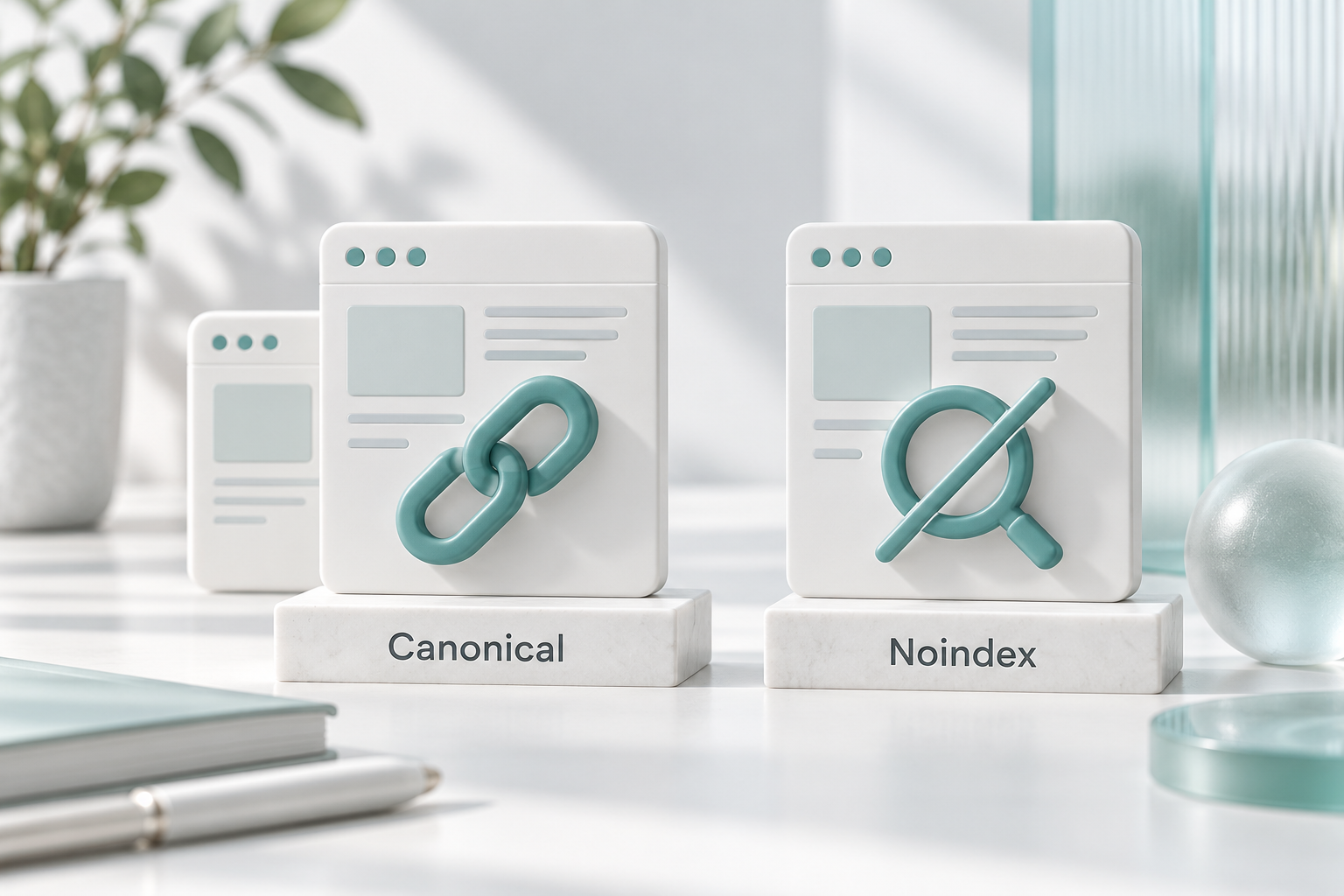
A canonical tag signals your preferred URL among duplicate or very similar pages. A noindex directive tells supporting search engines not to index that page. They solve different problems: choosing a representative page versus excluding a page from search.
Start with the business purpose
Before changing settings, write one sentence about why the URL exists. “This is an old address for a service that has moved” is a different situation from “This confirmation page should remain available after a customer submits a form.”
That sentence gives your developer a clear outcome to implement. A vague instruction such as “fix duplicate content” leaves too much room for a change that removes a useful page.
When a canonical tag makes sense
Consider a hypothetical Dubai maintenance company with the same service content at a clean URL and a campaign URL containing tracking parameters. Customers may still need both addresses to work. A canonical preference can indicate which version should represent that content in search.
Google describes canonical annotations as a strong signal, rather than an instruction it must accept. Use a destination that actually represents the same or very similar content; a shared topic alone is not enough reason to consolidate two pages.
For instance, a painting service page and a guide to choosing paint finishes answer different needs. Pointing both at the homepage would discard that distinction.
When noindex is the better choice
A general enquiry-confirmation page may need to open for customers without serving as a search landing page. That is a situation in which you can consider noindex, after reviewing what the page contains.
Google must be able to crawl a page to read its noindex rule. Blocking the URL in robots.txt can prevent that. The directive can be supplied through a robots meta tag or an appropriate HTTP response header.
Do not confuse search exclusion with privacy. A confirmation page containing personal customer details needs access controls; a search setting is not a substitute for protecting that information.
A decision table for common situations
| Situation | Question to resolve | Likely direction |
|---|---|---|
| Two accessible versions of essentially the same page | Must both addresses keep working? | Review canonical preferences |
| A public utility page with no search purpose | Should it remain accessible but absent from search? | Consider noindex |
| An old URL permanently replaced by another | Should visitors go straight to the replacement? | Review a permanent redirect |
| Two articles answering different questions | Does each provide distinct value? | Keep distinct pages; improve their clarity |
These are starting points for review, not instructions to apply changes across a whole website without checking individual URLs.
How to review a WordPress page safely
- Record the current state. Save the URL, its purpose and the existing SEO settings.
- Choose the intended outcome. Decide whether the page should be discoverable, consolidated or replaced.
- Use one configuration owner. Check whether the theme, SEO plugin or another integration already produces the relevant tags.
- Inspect the output. Confirm that the live page shows the intended canonical and indexing rules after caching is refreshed.
- Check Google’s interpretation. URL Inspection can help you compare your preference with Google’s selected canonical.
Google’s canonical troubleshooting guide recommends checking its selected URL and looking for conflicting technical signals.
If you are unsure where the setting comes from, a technical SEO audit can identify which component needs attention. If the real issue is overlapping copy, start with on-page SEO rather than hiding pages by default.
What this means for answer-based search
My practical recommendation is to resolve the page’s role before adding more content for SEO, AEO or GEO. A clear answer should live on a page you intend customers to find. A private account screen should not become public because you want more visibility.
Neither a canonical tag nor a noindex rule is an AI-citation technique. Use them to manage the website correctly, then judge content by whether it solves the reader’s actual question.
Frequently asked questions
Does a canonical tag remove a duplicate page?
No. Visitors can still access it. A canonical preference is different from a redirect that sends a visitor to another address.
Should I combine noindex and canonical to fix duplicates?
Do not treat that combination as a routine duplicate-page fix. Establish one clear indexing objective first, then review Google’s documentation and your site’s implementation.
Can I canonicalise every blog post to the homepage?
That is not a sensible default. An individual article usually contains information the homepage does not. Review the actual relationship between pages.
Will correcting a tag guarantee rankings?
No. Correct configuration removes avoidable confusion; it does not guarantee that a particular page will appear or rank.
Get clarity before changing indexing settings
As an SEO Expert in Dubai, I can help you review the affected URLs and prioritise the next step.
Official references
Documentation checked on 26 October 2026. This is an educational guide, not an announcement of a new Google update. Business examples are hypothetical and the review workflow is a practical recommendation.